



Page Speed Optimization: Evaluate and Improve Your Site
Page speed optimization is the process of reducing the time your website takes to fully load in a browser. Google has confirmed that faster-loading pages rank higher in search results, and faster sites convert more visitors into customers, according to Google's performance documentation. It raises core web vitals scores, strengthens site speed ranking, and directly improves website performance for every visitor.
How does page speed affect SEO rankings?
Page speed is a direct Google ranking signal. Google has stated that faster-loading pages receive higher rankings than slower ones, confirmed across both desktop and mobile search. The impact extends beyond rankings: core web vitals (Largest Contentful Paint, Cumulative Layout Shift, and Interaction to Next Paint) became official Google ranking factors, as documented by Google Search Central, and all three measure aspects of load performance and visual stability.
Site speed ranking also connects to user behavior. When a page loads slowly, visitors leave before engaging with the content, which raises bounce rate and reduces session duration. Both patterns signal to search engines that the page is not meeting user expectations.
How to check website loading speed for free?
Two free tools give the clearest reading of your site's performance:
- Google PageSpeed Insights scores your page on mobile and desktop from 0 to 100, identifies which elements block rendering, and flags which core web vitals pass or fail.
- GTmetrix measures website loading speed by analyzing server response time, file compression, image optimization, and request size, then ranks recommendations by impact.
Chrome DevTools and Firefox DevTools go further, showing exactly which JavaScript files, third-party scripts, or oversized images are adding load time. Run tests on mobile separately. Mobile networks and hardware routinely produce longer load times than desktop, and mobile performance carries equal weight in Google's site speed ranking evaluations.

What causes a website to load slowly?
Each of these factors is a distinct optimization target. Most slow sites have several at once.
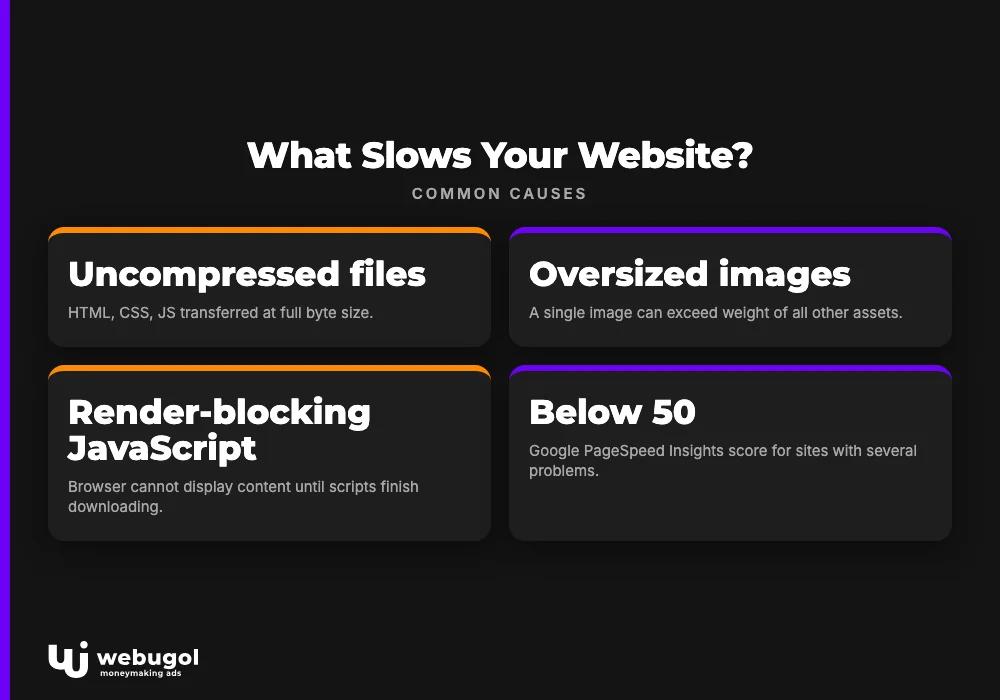
| Cause | How it slows the page |
|---|---|
| Uncompressed files | HTML, CSS, and JS transferred at full byte size |
| Oversized images | A single image can exceed the weight of all other assets combined |
| Render-blocking JavaScript | Browser cannot display content until scripts finish downloading |
| Redirect chains | Each redirect adds a full HTTP request-response cycle |
| Slow server response | Delays every other resource from starting to load |
| No browser caching | Static assets re-downloaded fresh on every visit |
Sites with several of these problems typically score below 50 on Google PageSpeed Insights and rarely appear on the first results page for competitive queries. Fixing them is the core work of any such effort.
How to improve website speed for SEO?
Effective optimization starts by targeting the causes above in order of impact. The tool identifies the specific problems on your URL, so use it as your diagnostic starting point before making changes.
Enable compression
Gzip and Brotli compression significantly reduce HTML, CSS, and JavaScript file sizes before they travel over the network. Brotli, supported natively in Chrome and Firefox, outperforms Gzip on text-based assets. Both are fundamental to delivering fast pages and require only a server-level or hosting panel configuration change to activate.
Optimize images to improve website performance
Image optimization SEO is one of the highest-impact changes for most sites because images are typically the heaviest assets on a page. Reduce file size with tools like TinyPNG, set image dimensions to match the display size exactly, and choose the right format: JPEG for photographs, PNG for graphics with transparency, and WebP or AVIF where browser support allows. Proper image optimization can substantially cut page payload and improve website performance without any loss in visual quality.
Leverage browser caching
Browser caching stores static files (images, stylesheets, scripts) on the visitor's device so subsequent visits do not re-download unchanged assets. Set far-future expiry headers on stable assets. Use ETags on assets that update periodically so browsers can validate them with a lightweight request rather than a full re-download.
Reduce redirect chains and render-blocking scripts
Understanding redirects in SEO helps you identify which redirects are necessary and which ones add avoidable round-trip requests. For JavaScript, load non-critical scripts asynchronously or defer them so the browser renders visible content first. Minifying CSS, JS, and HTML further reduces the byte size of every request.
Use a content delivery network
A content delivery network (CDN) caches static assets on servers geographically closer to each visitor, cutting the distance data must travel and reducing latency for users across different regions.
Running a complete site audit before you start this work identifies which fixes will move the needle most for your specific site. Speed is one signal among many; addressing it alongside content quality and backlinks consistently produces better results than treating it in isolation.

What is a good page speed score?
On Google PageSpeed Insights, a score of 90 or above is good. Scores from 50 to 89 need improvement, and anything below 50 is poor, according to Google's own scoring criteria. For Largest Contentful Paint, Google's Web Vitals documentation sets the threshold for a passing score at under 2.5 seconds. Mobile and desktop are scored separately. Hitting 90+ on mobile means your page speed optimization is working well, though it requires more aggressive image optimization and code reduction than desktop optimization alone.
Get expert help with page speed optimization
Webugol audits your current website loading speed, identifies the specific factors affecting your core web vitals, and implements targeted fixes from server compression to image optimization SEO improvements. No two sites have identical bottlenecks, and a tailored approach consistently outperforms a generic checklist. Contact our team to get a site-specific performance review.
FAQ
Does page speed directly affect Google rankings?
Yes. Google has confirmed page speed as a direct ranking signal and stated that faster-loading pages rank higher. These metrics, which measure load performance and visual stability, became official Google ranking factors as documented in Google Search Central.
How long should a website take to load?
Google's Web Vitals documentation sets the threshold for a good Largest Contentful Paint score at under 2.5 seconds. Pages loading under one second on a fast connection are considered fast, while load times above four seconds typically cause significant visitor drop-off.
Is the Google PageSpeed Insights score the same as actual load time?
No. The score measures how well a page follows optimization best practices, not raw speed alone. Both the score and measured load time matter for effective optimization, and improving the score usually reduces actual load time as a direct result.
What is the fastest image format for web use?
WebP and AVIF offer smaller file sizes than JPEG and PNG at comparable visual quality, making them the top choices for image optimization SEO on modern sites. JPEG and PNG remain reliable fallbacks for browsers that do not support WebP or AVIF.
Can page speed optimization improve conversion rates?
Yes. Google's performance documentation links faster load times to higher conversion rates, lower bounce rates, and longer session durations. Faster pages create a direct business benefit beyond search rankings.

